Mineshafts & Monsters Server Hosting
Expanded dungeons and tougher enemies give mining and caving a real reason to exist.
- Instant Setup
- DDoS Protection
- 24/7 Expert Support
- 48-Hour Refund Guarantee
We already did the math for Mineshafts & Monsters
Go with whichever one fits your crew. Every plan is still down below if you want to see them all.
About Mineshafts & Monsters
Mineshafts and Monsters is an exploration and dungeon-crawling pack built around expanded underground structures and tougher enemies. It gives mining and caving far more purpose than vanilla's sparse underground content.
Expanded underground structure generation adds world-generation cost as players dig and explore, more than a surface-focused exploration pack would.
Not sure how much RAM you need? Try our Minecraft RAM calculator.
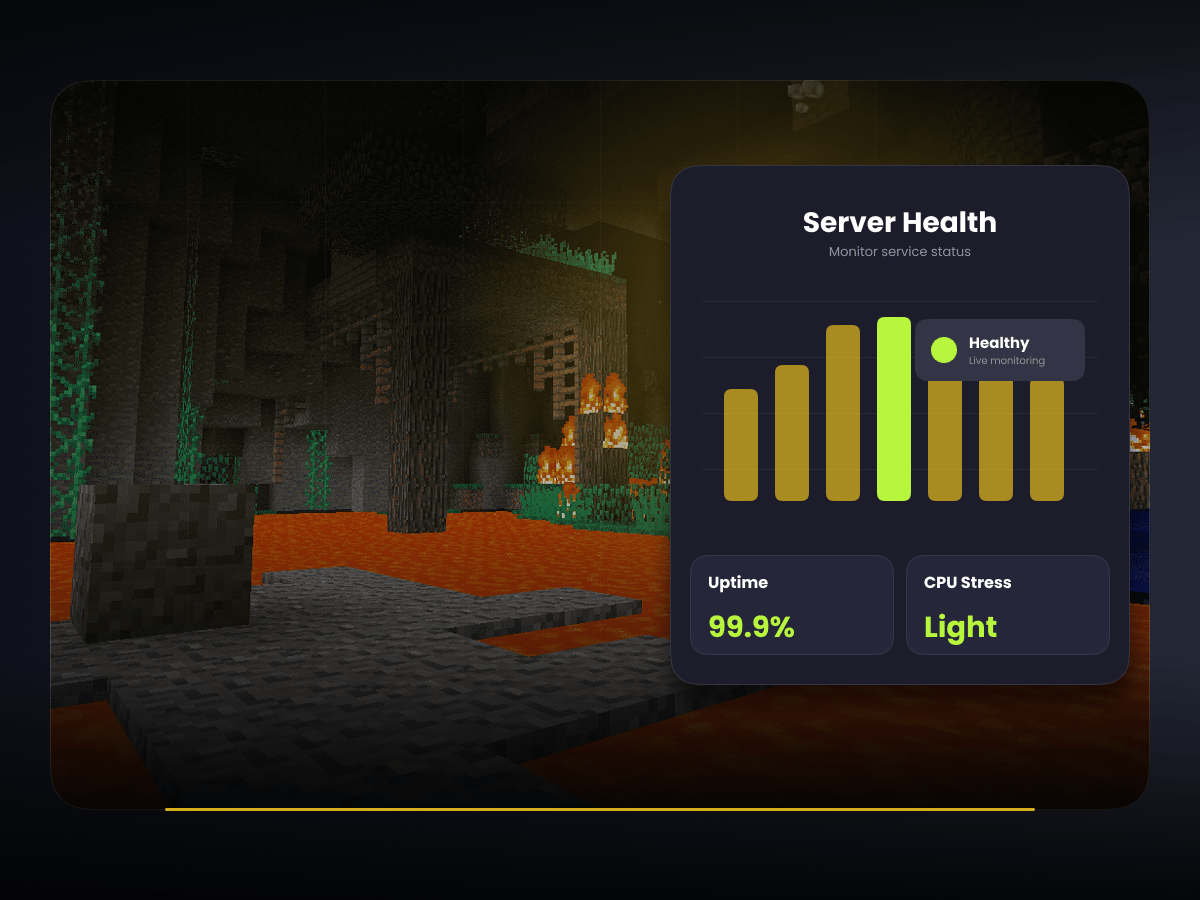
What makes Mineshafts & Monsters different to host
Underground exploration is the focus
If your group wants a pack built around mining and cave exploration instead of surface adventuring, this fits directly.
A control panel that just works.
Exclusive to Sparked Host, Apollo Panel is a modern control panel built to make your life as a server owner super easy.

Installing Mineshafts & Monsters takes three steps
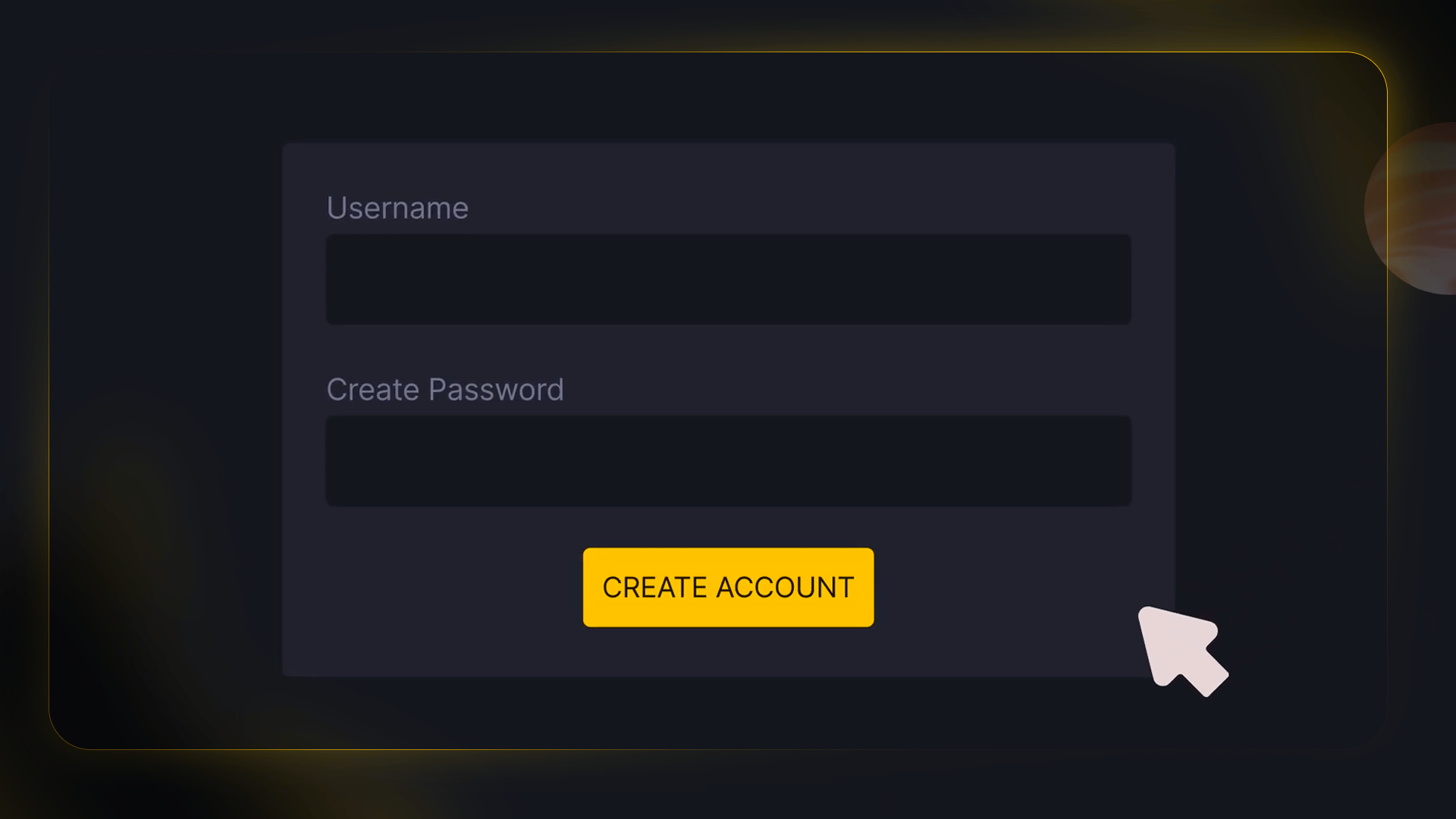
1. Order any Enterprise plan
Grab the plan with enough RAM for the pack below, or start smaller and upgrade anytime.
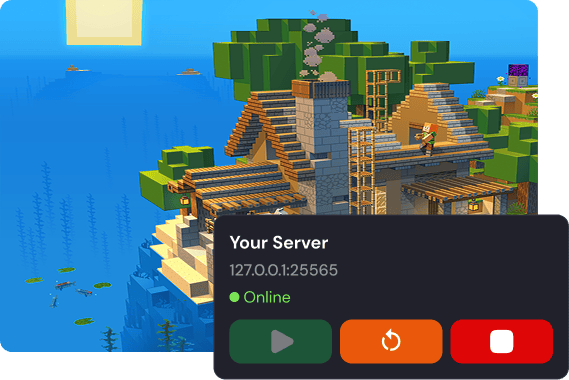
2. Choose your modpack
Your pack is preselected below. Keep it selected to install the latest stable release when you order.
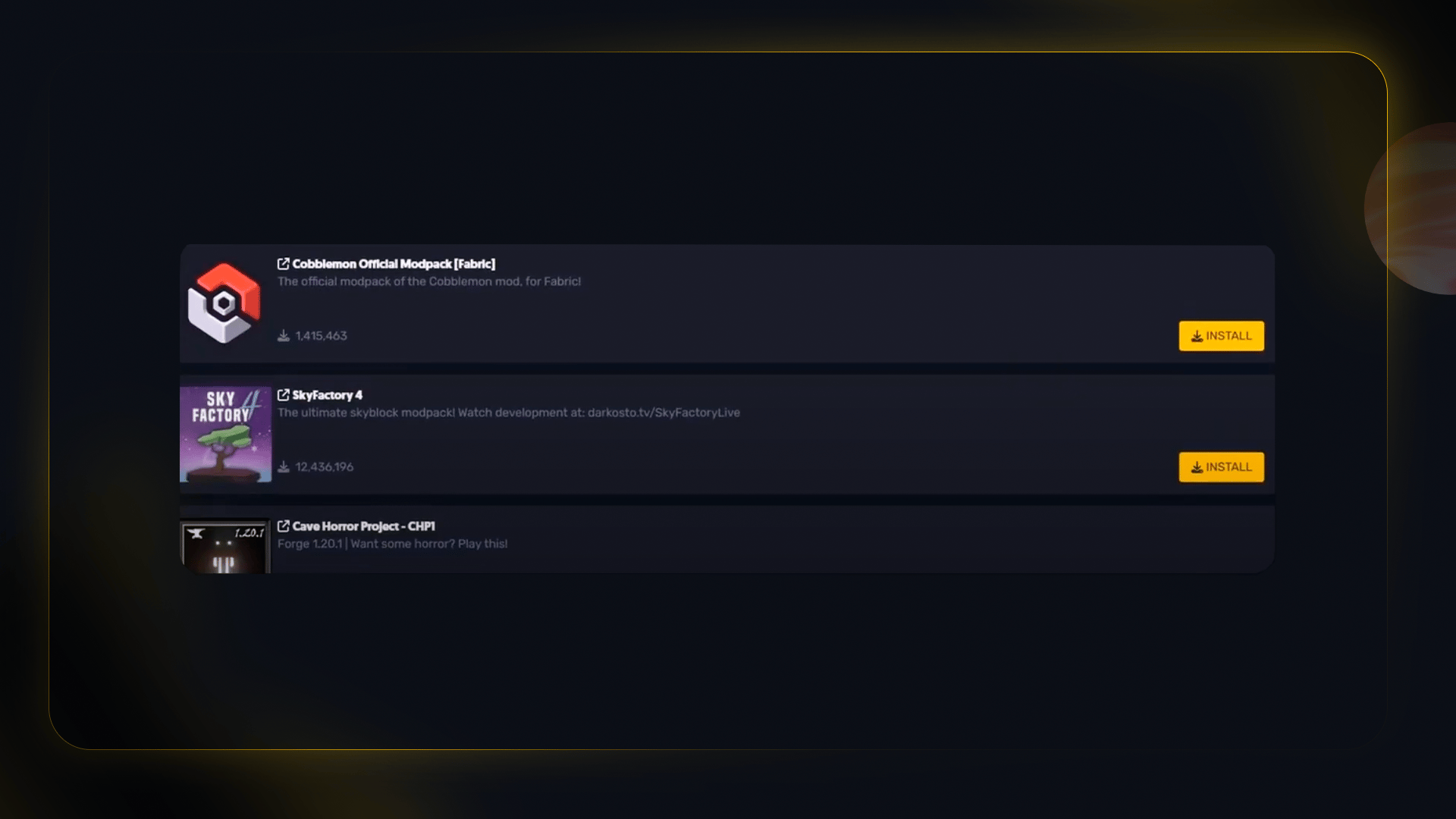
3. Install and go
Complete checkout, then open Apollo Panel to manage your server and invite your friends.
Get everything you need to host Mineshafts & Monsters.
Which location has the lowest ping for you?
There are 8+ global locations to choose from for instant deployment on your Mineshafts & Monsters server.

North America
 Miami, Florida
- Dallas, Texas
- Salt Lake City, Utah
- Ashburn, Virginia
Europe
 Paris, France
 Helsinki, Finland
 Vienna, Austria
 London, UK
Asia
 Singapore, Asia
 Mumbai, India
Oceania
 Sydney, Australia
Need some help picking plans?
Which server hardware is best for your Mineshafts & Monsters server?
Enterprise
Hardware
Ideal for modded servers with lots of players
CPU
Ram
Storage
Network
Ryzen 9 7900
DDR5 @ 4800 MHz
Raid 1 NVMe SSDs
1Gbit/10Gbit Multi-blend
Need some help picking plans?
Which server hardware is best for your Mineshafts & Monsters server?
Enterprise
Hardware
Ideal for modded servers with lots of players
- Ryzen 9 7900
- DDR5 @ 4800 MHz
- Raid 1 NVMe SSDs
- 1Gbit/10Gbit Multi-blend

Keep your server safe
from DDoS attacks.
Active Detection
We actively monitor your server for malicious activity and attacks.
Custom Providers
We're partnered with some of the best protection providers available.
Terabit-Scale Capacity
Our large protection network assures we can defend your server from the largest threats possible.
1s Mitigation Time
Our network will almost instantly start mitigating attacks as soon as they're detected.
Uptime
99.9%+
Servers Protected
45,000+
Attacks Blocked
1.4M+
Mineshafts & Monsters Hosting FAQs
Can't find what you're looking for?
- ?
How much RAM does Mineshafts and Monsters need?
5GB is a reasonable starting estimate for a small group.
- ?
Is this pack combat-focused or building-focused?
It leans toward combat and exploration, with tougher underground enemies and expanded structures instead of automation or building tools.
- ?
How much RAM does a modded Minecraft server need?
It depends on the modpack. Across the modpacks we host, our recommended RAM ranges from 4 GB to 10 GB, and most need 6 GB or 8 GB. Check your modpack's page for its recommendation, or use our free Minecraft RAM calculator to estimate your own setup.
- ?
Which modpacks can I host on Sparked Host?
You can deploy popular modpacks like RLCraft, Pixelmon and ATM10 with one-click installs. Browse every modpack we support on our modpack server hosting page.
- ?
Can I host a modpack that isn't listed?
Yes. Apollo Panel can install almost any modpack automatically, and our support team can help you get started if you can't find yours.
- ?
Do my players need to install the mods too?
In most cases, yes. Players generally need the same modpack and version installed on their own game to join a modded server, so check your modpack's page for its exact version.
- ?
Why is Sparked Host the best Modded Minecraft Server Hosting?
We offer the most reliable Minecraft server hosting at the best prices you'll find anywhere. We've deployed over 100,000 servers since 2017, backed by 1700+ 4 and 5 star reviews. Don't believe us? Try your server risk free with our 24 hour refund guarantee.
- ?
I've never made a Modded Minecraft server before, is it hard?
Getting started might seem scary at first, especially if you aren't tech savvy. Using Sparked Host, it's very easy to get started. After you purchase a Minecraft server from us, you get access to an easy to use control panel, with detailed guides that walk you through every step.
- ?
How fast will support respond when I have issues with my Modded Minecraft Server?
We're committed to providing 24/7 fast and effective support. Most of the time, Sparked Host customers hear back from support within 30 minutes. You can expect prompt, reliable assistance whenever you need it.
- ?
Can I upgrade my Modded Minecraft server hosting later?
Yes, you can upgrade your server hosting! Open a ticket with our support team to upgrade your server hosting anytime you'd like.
- ?
What is your refund policy for your Modded Minecraft Server Hosting?
We provide refunds for your service within the first 24 hours of it being active only if we fail to rectify the issue.
Have some more questions you need answers to?
Check out our 500+ knowledge base articles and blog posts! You can also contact our support team for additional assistance.